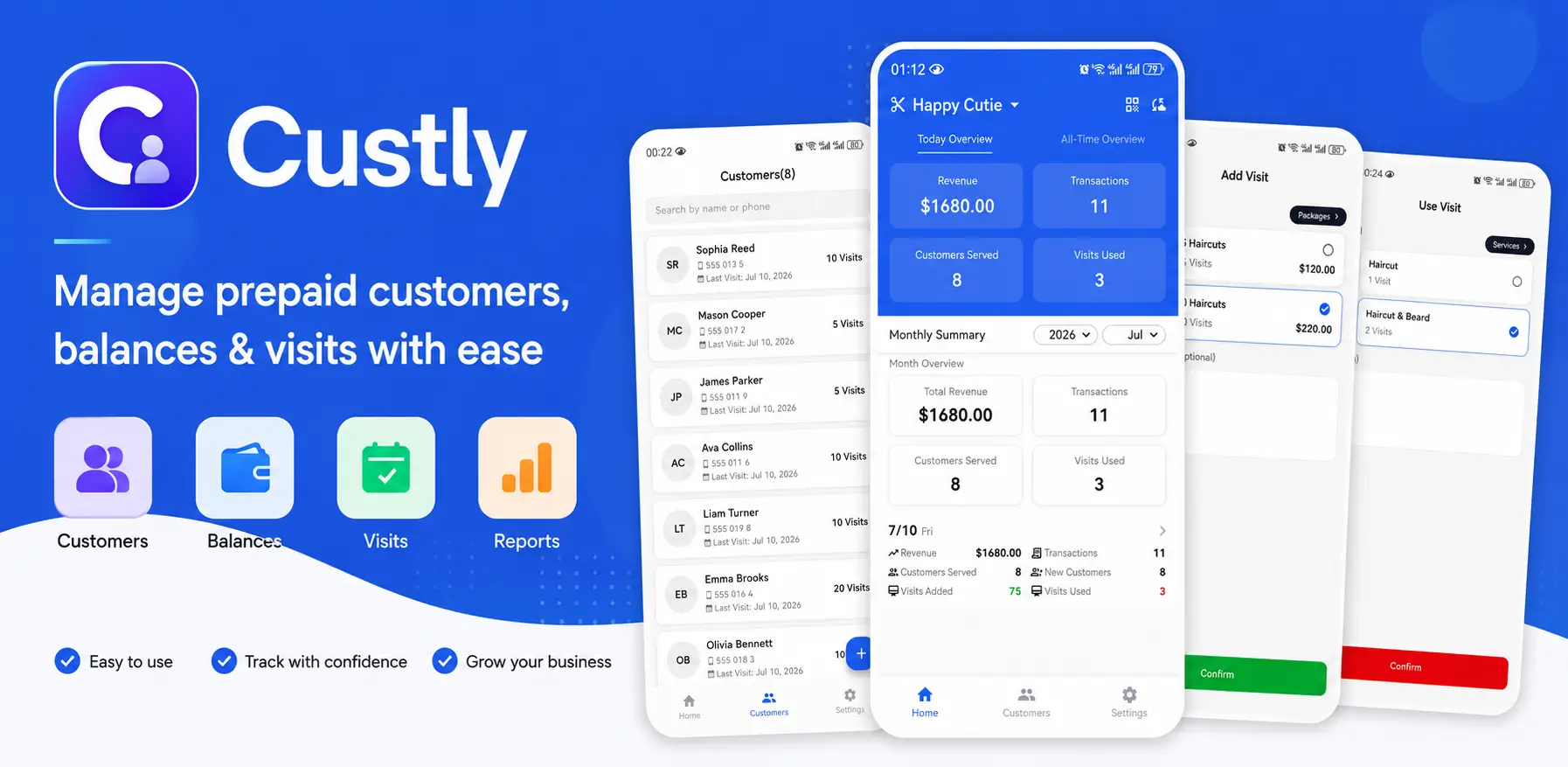
How Custly supports tutor lesson management
Clear package control
Set the lesson model once, then let the app keep the remaining balance visible after every recharge and deduction.
Offline lesson updates
Update attendance and notes even when you are teaching in a place without internet, then sync later when needed.
Parent-friendly transparency
Give families a clean view of lesson usage, reduce balance questions, and keep communication simple.
Small-business friendly
The workflow is meant for solo tutors, small studios, and family-run tutoring shops rather than heavy CRM systems.
How Custly fits the workflow
1. Create the store and choose the balance model
Set up the store first, then pick Store Credit, Visit, or Session so the app matches how you sell tutoring time.
2. Add the customer and recharge package
Create a student profile, then use a recharge package to add value after the student pays you offline.
3. Use a deduction template after each lesson
Apply a deduction template when a lesson finishes, so the tracker updates the balance and history in one step.
4. Review the timeline, export data, and sync if needed
Open the timeline in the private tutor app, export your data for reporting, and sync to the cloud when you use multiple devices.
Download Custly and start managing lessons better
Built for private tutors who want a clean, simple workflow.