How to Track Prepaid Customers Without Excel
If your salon still uses spreadsheets to manage prepaid balances and service packages, this guide shows a cleaner workflow that reduces disputes, saves front-desk time, and gives your team accurate records every day.
Why Excel breaks prepaid tracking as you grow
Excel works at the beginning, but prepaid customer management becomes fragile when more clients, more staff members, and more transactions are involved. One wrong formula, one copied row, or one file version conflict can create an incorrect remaining balance. That usually appears at the worst time: checkout.
Balance mismatches
Manual deductions cause errors, and correcting them later is difficult.
Slow front desk
Staff spends time searching sheets instead of serving customers quickly.
No clear audit trail
It is hard to review who changed what, and when each deduction happened.
A simple prepaid workflow that replaces spreadsheets
- Create one customer profile per client, not multiple rows across different tabs.
- Record recharge type clearly: monetary balance or visit/session package.
- Deduct immediately after each service so remaining value is always current.
- Keep transaction history visible to prevent disputes and speed up questions.
- Review daily and weekly metrics to identify renewals and churn risk early.
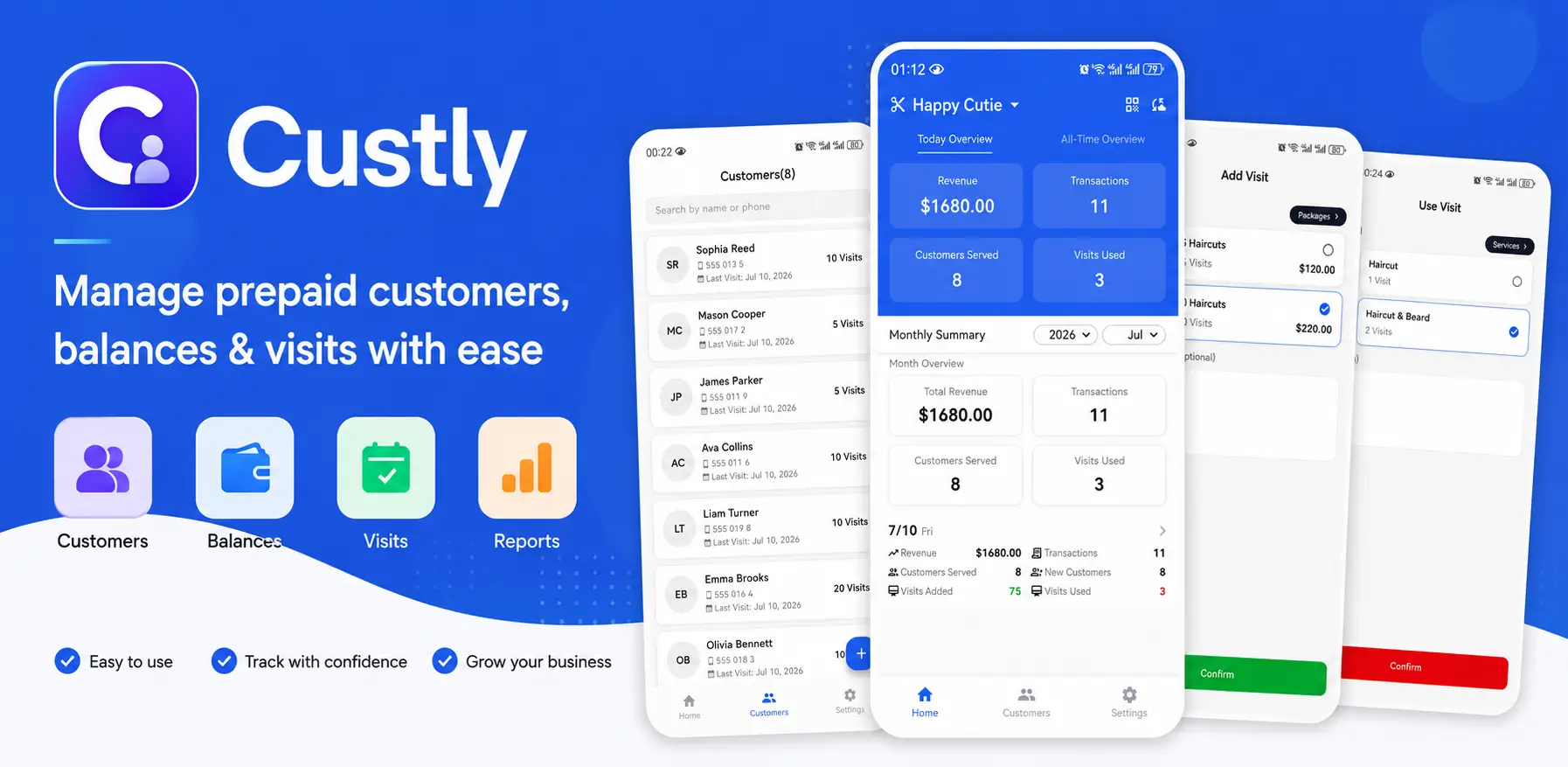
How Custly fits this process
Offline-first operations
Keep recording recharges and deductions even when your internet is unstable. Your desk keeps moving, and records stay complete.
Flexible prepaid models
Manage both balance recharge and visit/session packages, so your salon can support different service offers without custom spreadsheets.
Cloud sync and backup
When your team uses multiple devices, cloud sync and backup help keep customer records consistent and safer.
Transaction visibility
Recharge records, usage history, and remaining amounts are easy to review when customers ask questions at checkout.
Performance reporting
Track revenue and member activity trends to understand what package plans are working and which customers need follow-up.
CSV export when needed
Export data for accounting and external reporting without depending on spreadsheets for daily operations.
Real-world examples: salon, spa, and tutor workflows
Salon example
A haircut and coloring studio sells monthly prepaid balances. Staff deducts each service at checkout, and customers can confirm remaining balance instantly before booking their next visit.
Spa example
A spa sells facial packages as session bundles. Therapists record one session deduction after treatment, so front desk always sees accurate remaining sessions during rebooking.
Tutor example
A tutoring studio sells prepaid lesson packs. After each class, the teacher marks attendance and deducts one session, giving parents a clear lesson balance update.
Practical migration plan: move from Excel in one week
- Day 1: Clean customer list and remove duplicate profiles.
- Day 2: Import or re-enter active prepaid balances and package counts.
- Day 3: Train front desk to deduct directly after each completed visit.
- Day 4: Verify random customer records against receipts.
- Day 5 to 7: Stop daily spreadsheet updates and use app records as the single source of truth.
Next Reads in Prepaid Customer Management
How to Manage Customer Balance
Set up a cleaner recharge and deduction workflow for accurate remaining value.
Read article →How to Track Customer Visits
Use visit logs to improve retention, avoid missed deductions, and speed up service.
Read article →Store Credit vs Loyalty Cards
Compare retention models and pick the one that fits your prepaid operations.
Read article →Prepaid Customer Management Hub
Open the core topic hub for workflows on balances, visits, memberships, and store credit.
Open hub →Less admin, fewer disputes, better renewals
Replacing Excel with a purpose-built prepaid tracking flow helps your salon run faster and serve customers with more confidence.